

Papertrail
This data source connector uses the Papertrail Search API (opens in a new tab) to import events matching the specified query from Papertrail (opens in a new tab) (logs from apps, servers, and cloud services).
Configuration
Section titled “Configuration”Create a new configuration of the Papertrail connector.
To configure the connector, you need to provide a Papertrail API token, enter a search query and select a retention period. Then select the data you wish to extract.
First, provide a Papertrail API token (opens in a new tab). You can get it in your profile (opens in a new tab).
Then enter your search query (opens in a new tab). And finally, select a desired retention period from the dropdown menu (from 1 day to 1 month).
To configure what data you want to extract, select the configuration template. The only template available at the moment is Basic. This option downloads all records matching the query within the retention period. It incrementally adds new records each run.
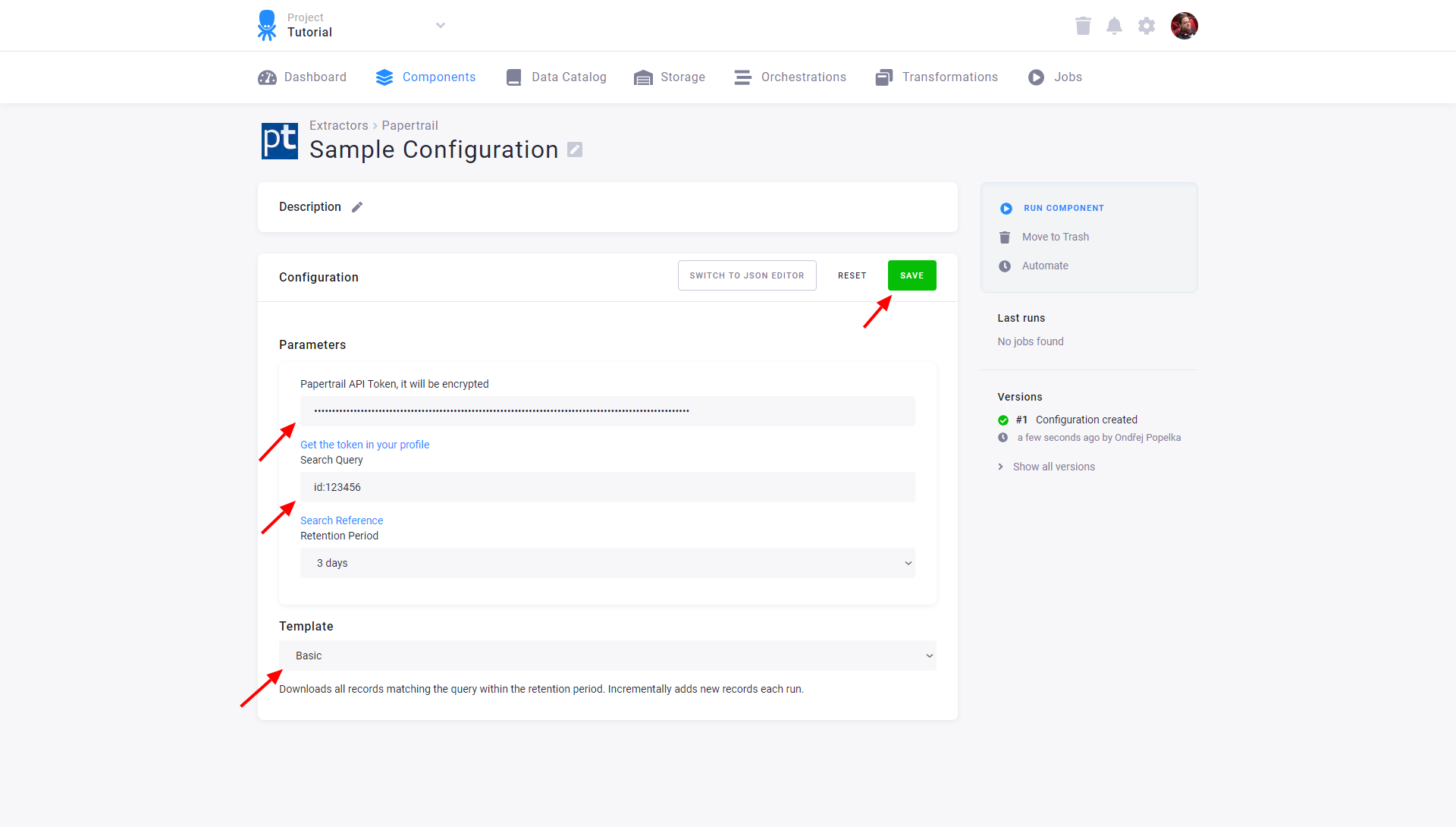
When done, Save the configuration. You can also switch to the JSON editor.